» BackUsing the App Overview
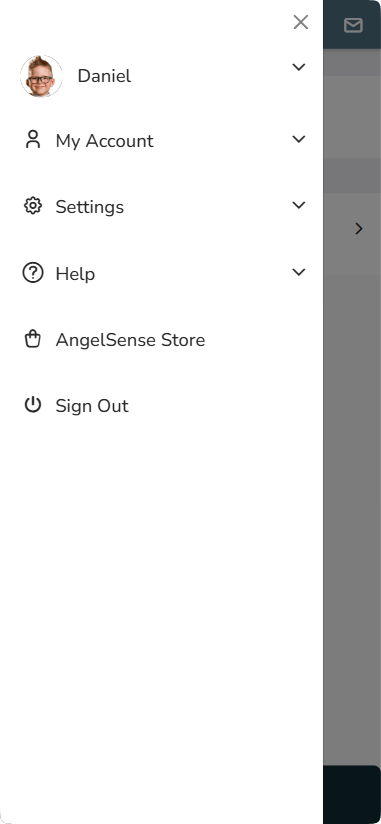
Main Menu
*App Versions below 4.0.0
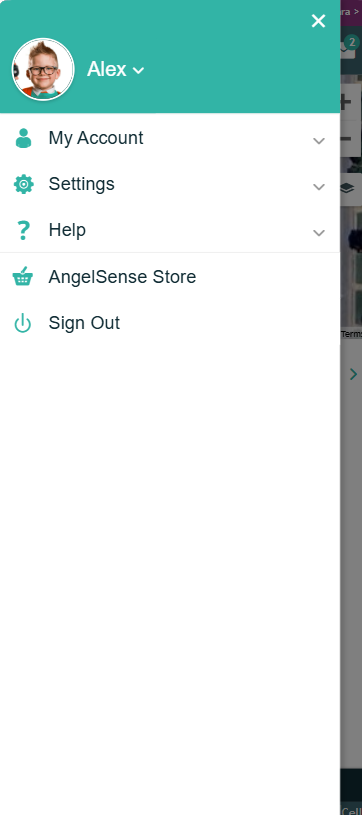
*App Version 4.0.0 and above
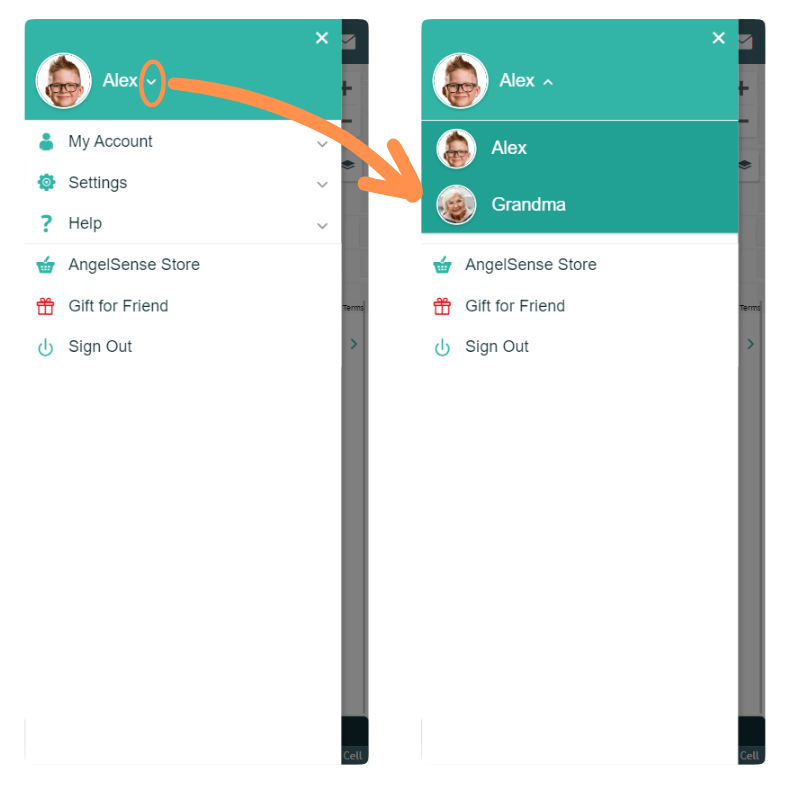
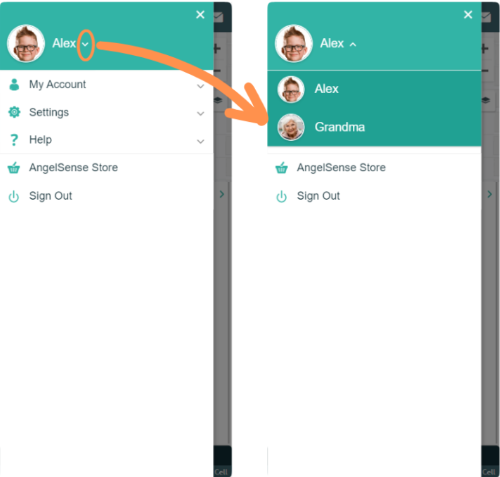
Select Angel (Switch Between Multiple Devices)
*App Versions below 4.0.0
*App Version 4.0.0 and above
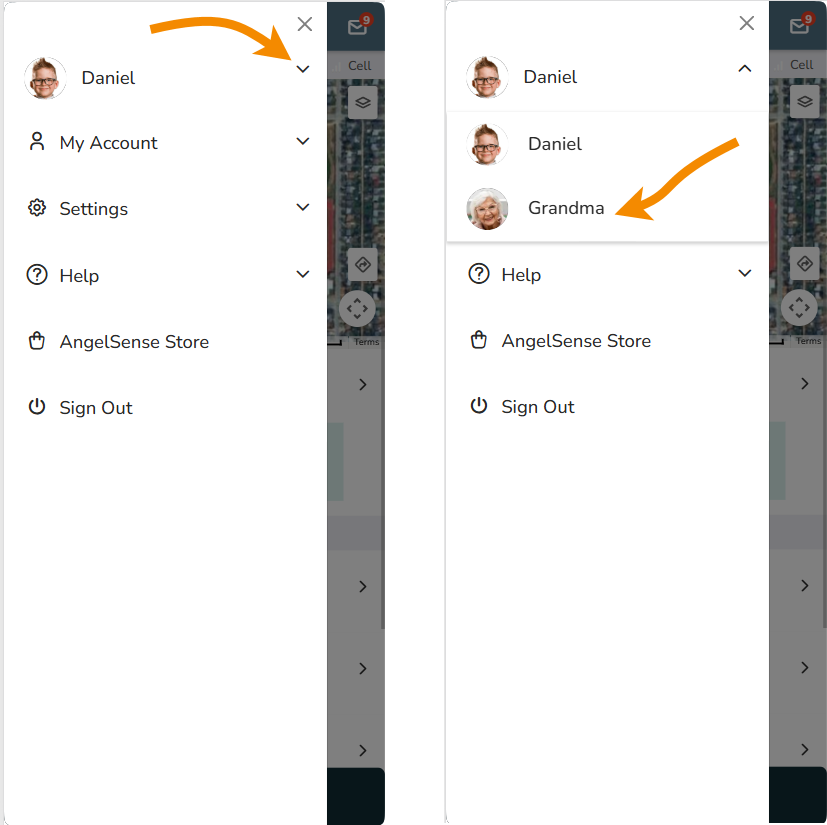
- Press Arrow to Select Angel When Using App for Multiple Devices
My Account
*App Versions below 4.0.0
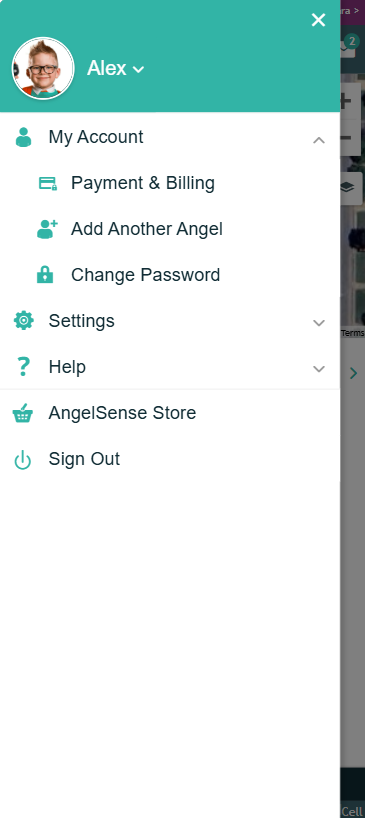
*App Version 4.0.0 and above
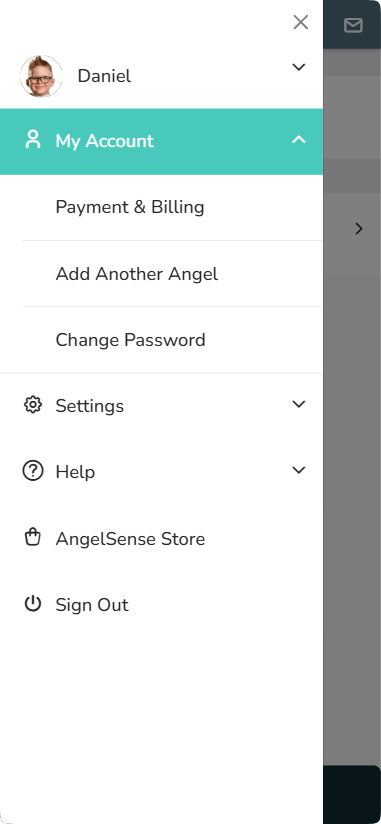
- View and Update Payment and Billing Information
- Add Another Angel: Purchase an Additional Device with Discounted Monthly Subscription
- Change Password
Settings
*App Versions below 4.0.0
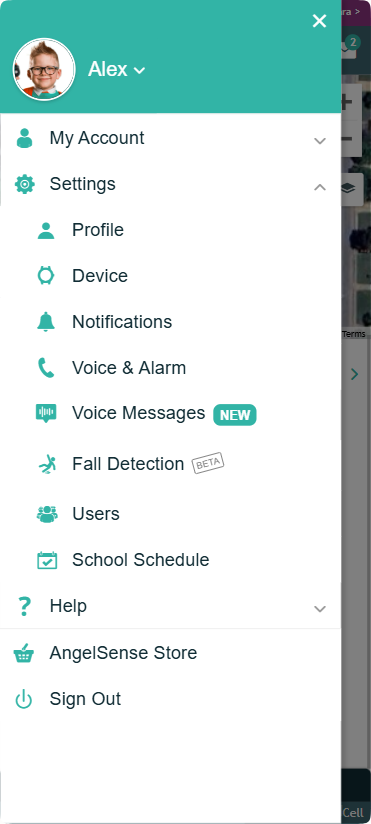
- Profile: Change Angel Name, Update Angel Image, Update Email, Update Phone Number, Update Language
- Device: Remotely Restart or Shutdown Device and Activate Replacement Device or SIM
- Notifications: Update Alert Settings
- Voice & Alarm: Update Voice Settings for 2-Way and Settings for Alarm and SOS Button
- Voice Messages: Update Settings for Voice Messages
- Fall Detection: Beta testing feature- Update Settings for Fall Detection
- Users: Add & Manage Guardians, School Guardians, First Responder Team
- School Schedule: Create/Edit School Schedule and Disable Voice Features
*App Version 4.0.0 and above
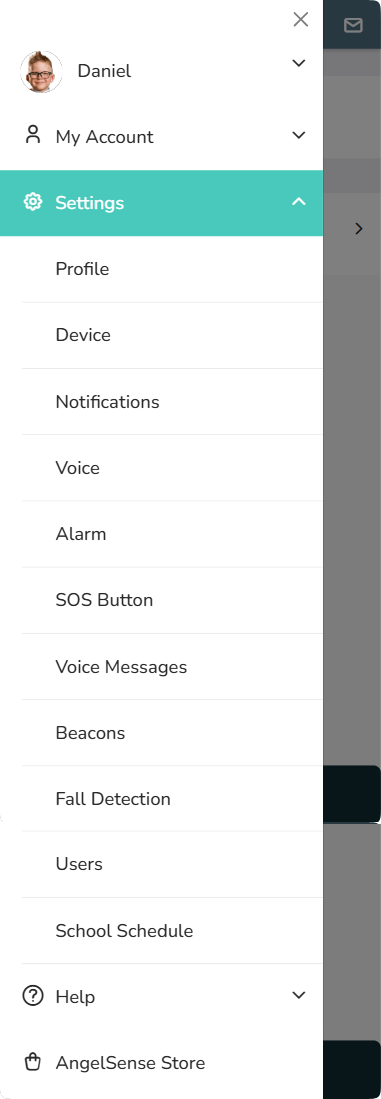
- Profile: Change Angel Name, Update Angel Image, Update Email, Update Phone Number, Update Language
- Device: Remotely Restart or Shutdown Device and Activate Replacement Device or SIM
- Notifications: Update Alert Settings
- Voice: Update Voice Settings for 2-Way
- Alarm: Update Settings for Alarm
- SOS Button: Update Settings for Call Request, SOS Call Direct, Replaying Voice Messages, and AI Assistant
- Voice Messages: Update Settings for Voice Messages
- Beacons: Beta testing feature- View and Edit Beacons for movement alerts at Home
- Fall Detection: Beta testing feature- Update Settings for Fall Detection
- Users: Add & Manage Guardians, School Guardians, First Responder Team
- School Schedule: Create/Edit School Schedule and Disable Voice Features
Help
*App Versions below 4.0.0
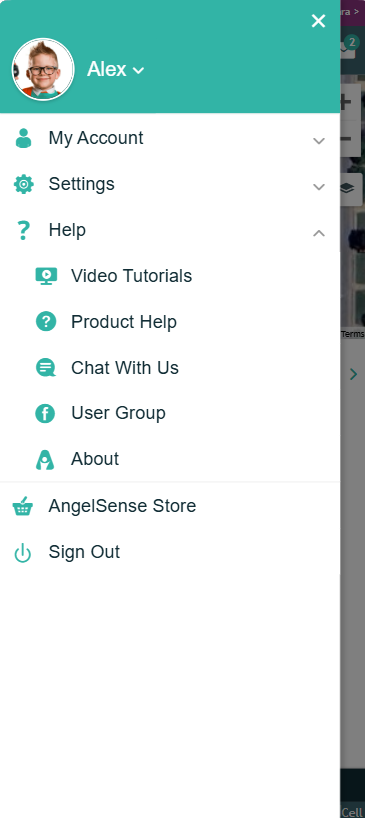
- Access Video Tutorials and a Product Help to help you get started and use key features
- Access our Private Facebook Group for Guardians
- Get guidance on how to place your Beacons (Beta Feature)
- Access our Online Help Center
- Contact Customer Care for technical help or demo
- About – See App and Device Versions
*App Version 4.0.0 and above
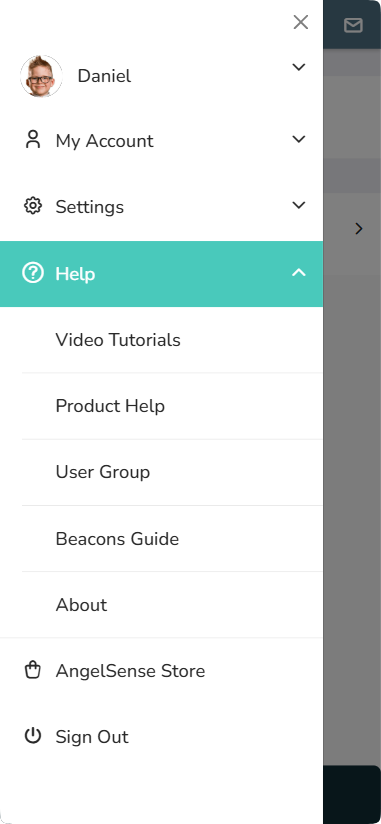
- Access Video Tutorials and a Product Help to help you get started and use key features
- Access our Private Facebook Group for Guardians
- Get guidance on how to place your Beacons (Beta Feature)
- Access our Online Help Center
- About – See App and Device Versions
AngelSense Store
*App Versions below 4.0.0
*App Version 4.0.0 and above
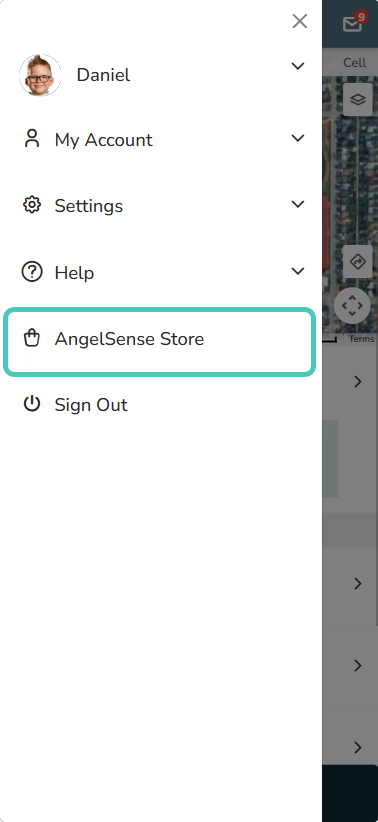
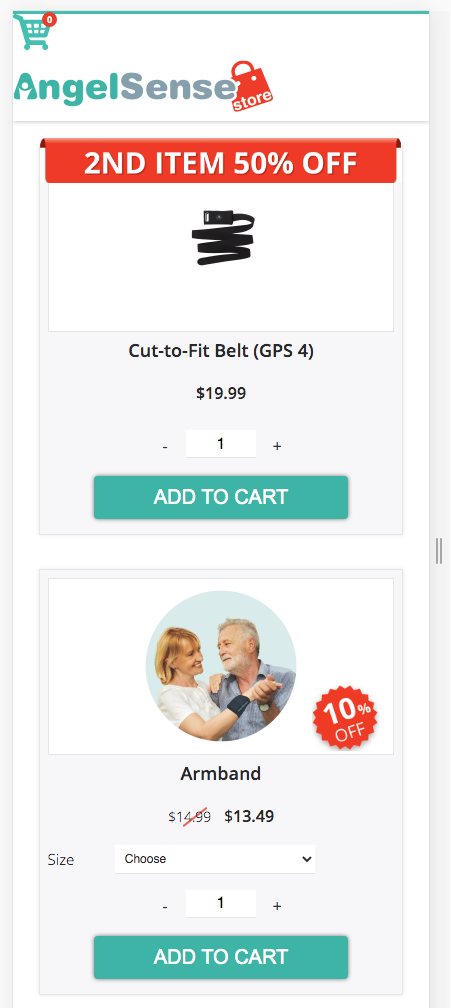
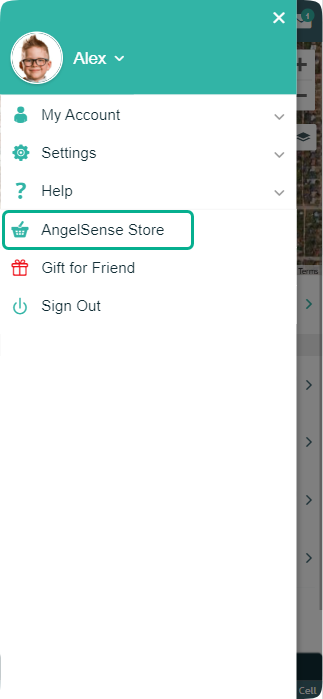
- Access the AngelSense Store for Replacement Device, Replacement Parts and Wearing Accessories
Tools Button
*App Versions below 4.0.0
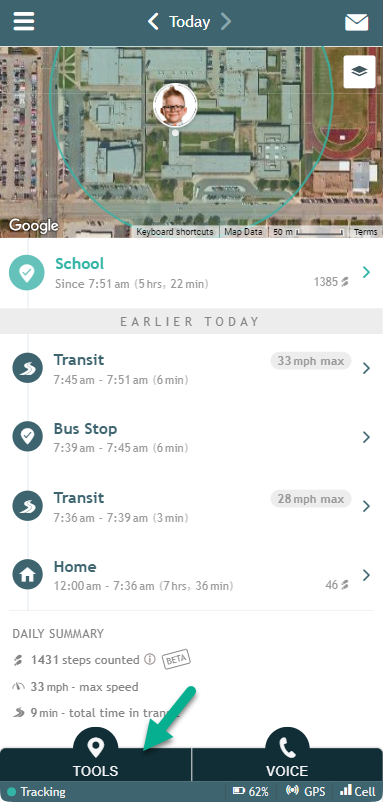
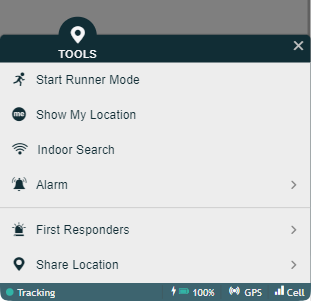
- Start Runner Mode
- Show My Location
- Indoor Search (Wi-Fi)
- Remotely Activate Alarm
- Send First Responder Alert
- Share Location With Others
*App Version 4.0.0 and above
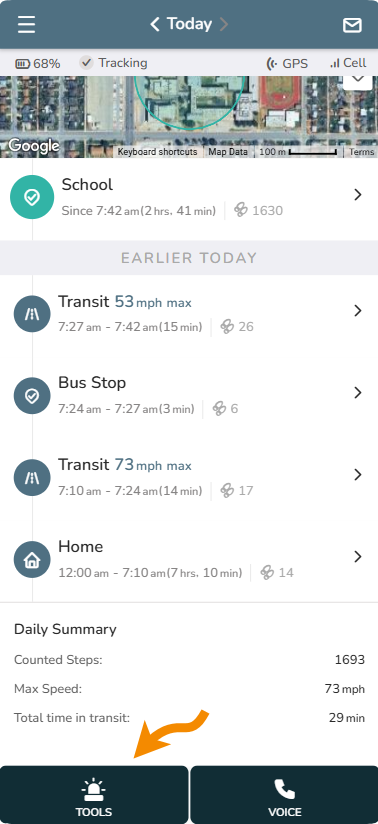
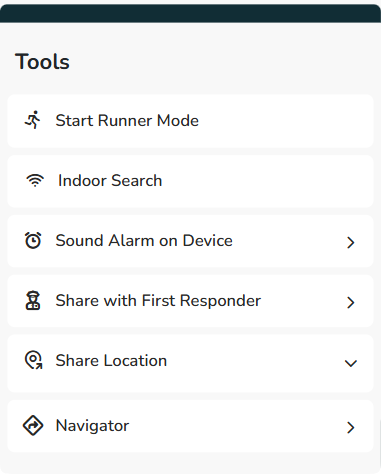
- Start Runner Mode: The Runner Mode now starts automatically whenever you open the app – no need to start it manually. This menu option will no longer be available in the future.
- Indoor Search
- Sound Alarm on Device
- Share with First Responder
- Share Location
- Navigator
Voice Button
*App Versions below 4.0.0
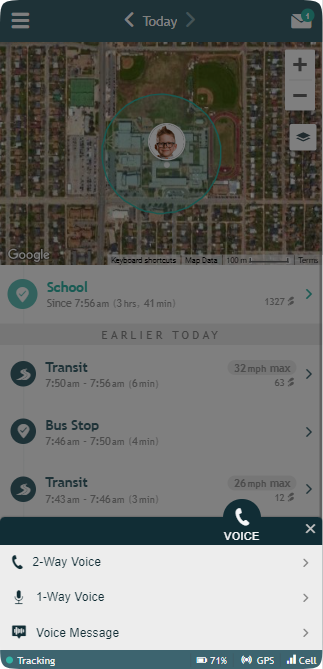
- Activate 1-Way Voice to Listen In (device picks up automatically)
- Make a 2-Way Voice Call (device picks up automatically)
- Start a remote message playback on your loved one’s device with Voice Message
*App Version 4.0.0 and above
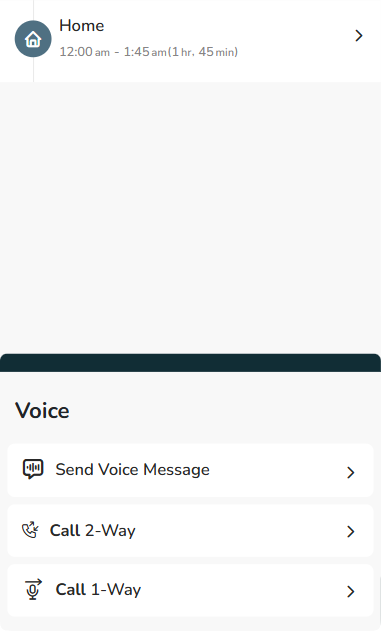
- Activate 1-Way Voice to Listen In (device picks up automatically)
- Make a 2-Way Voice Call (device picks up automatically)
- Start a remote message playback on your loved one’s device with Voice Message
Timeline
*App Versions below 4.0.0
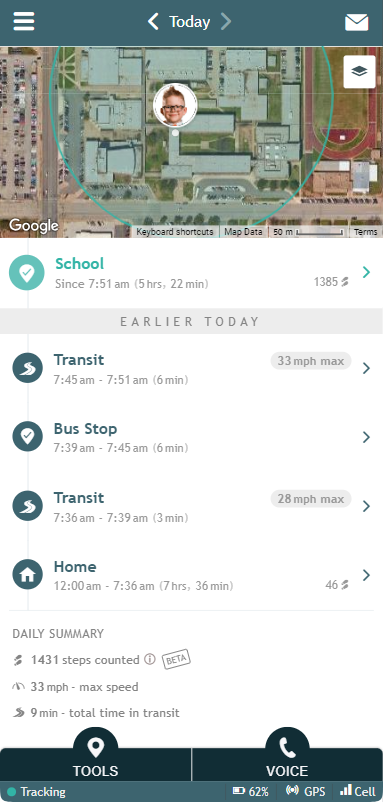
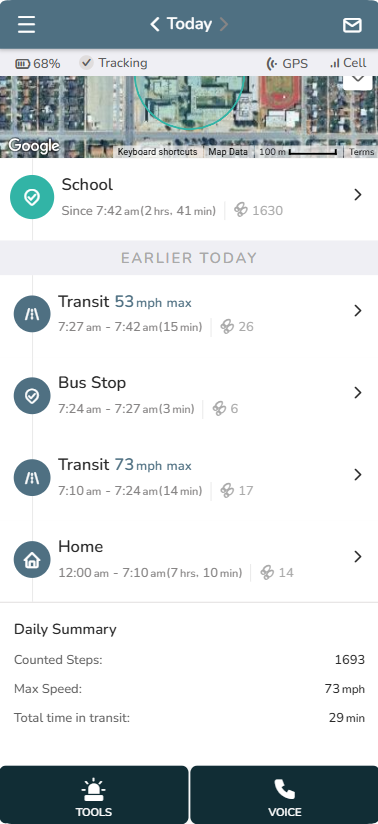
- Map and Details of Current Location
- Detailed History of the Day’s Locations and Transits
- Exact Times and Amount of Time Spent at Each Location
- Number of Steps at Each Location
- Click for Map of Each Location and to Configure Early Warning Mode, Late Arrival/Departure Notifications and Location Playback (enable per location)
- Transit Max Speed – Click for Route Details
- Click Arrows to Scroll to Previous Days
- Click Today for Calendar to Select a Day
- Daily Summary Shows Total Steps, Maximum Speed, and Total Time in Transit
- Status Bar Shows Device Tracking Status, Battery Life, Charging Indication, GPS Signal Strength, Cellular Signal Strength
*App Version 4.0.0 and above