Charging indication GPS1 x
When the device is charging, the device’s blue LED light lights up and remains on continuously.
Additionally, you may check the status bar in the web app after a few minutes. When the device is charging, the lightning bolt appears next to the battery, and the battery is colored green.

It will take approximately 4 hours for a full charge.
**We suggest to keep the device charging when not in use. It is best to keep the device charged instead of letting the battery run out.
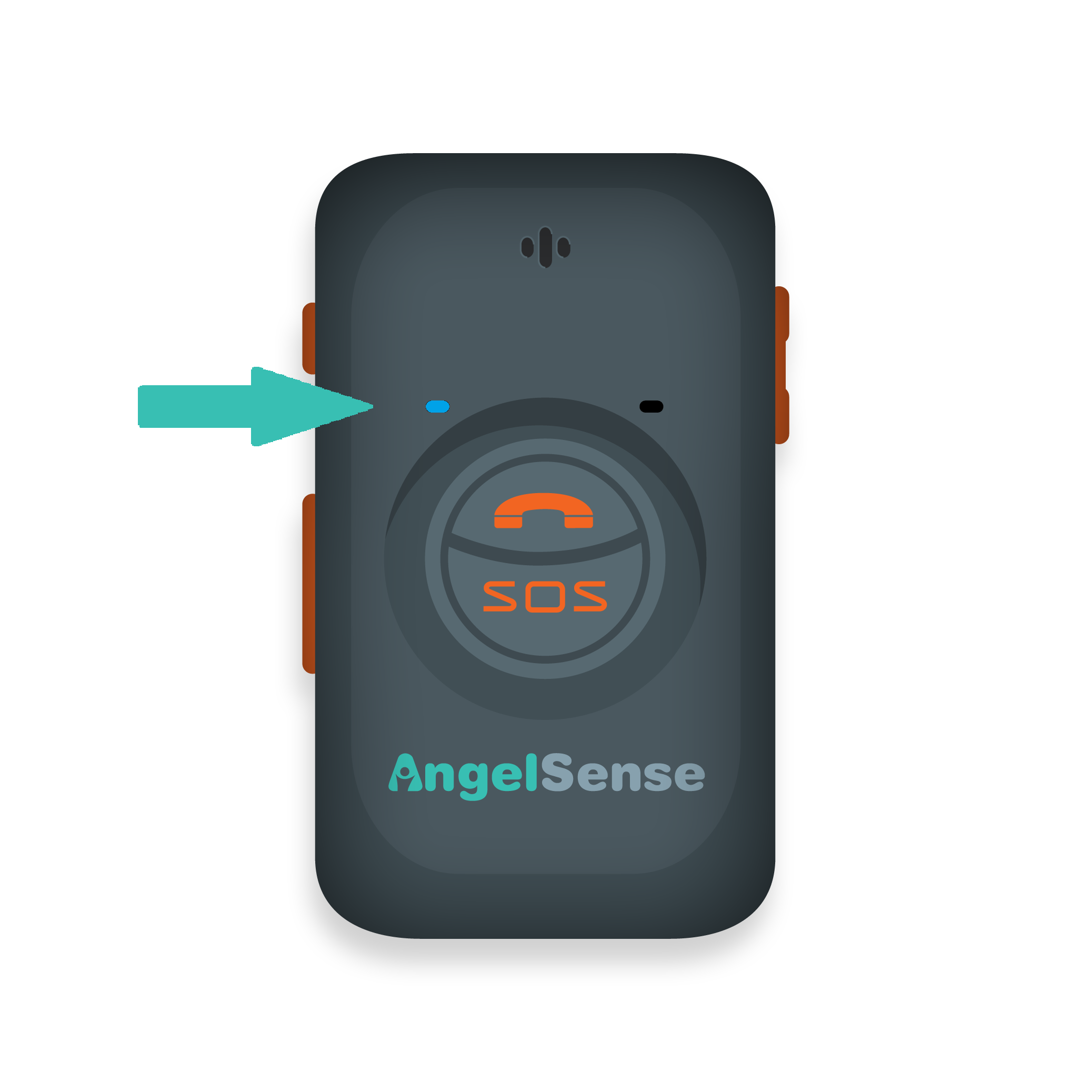
GPS 1 devices have the power button disabled by default.
- Pressing the power button will not power off the device. It is disabled by default to avoid it accidentally being powered off.
- To turn the device off, if needed, use the app remote shutdown feature.
- To turn the device on, plug in the device.
- To enable the power button, go to the app web version, go to Main Menu > Settings > General > Enabled > Save
Power Button Enabled?
- Pressing down on the power button for 7 seconds, will power off the device.
- Pressing down on the power button for 3 seconds, will power the device on.
*GPS 1 devices with device tracker version of G4A.EY.016 and above can enable the power button from the app in the web version only for now. We will be updating the phone app in the near future. You can see your device’s current firmware version from the app Main Menu > Help > About. Please contact us for any assistance.
Note: GPS 2 guidance is available here