» Back
Alarm on GPS 2-x
Note: GPS 1 (AT&T device) guidance is available here
The alarm feature is designed to help you locate your child when nearby in a crowd, indoors, or hiding.
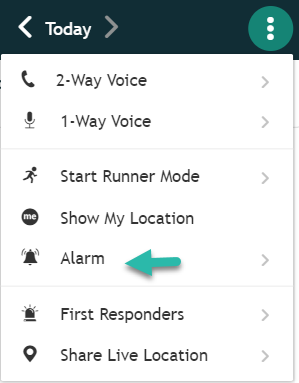
- Go to the Menu on the upper right hand side and then click on Alarm.
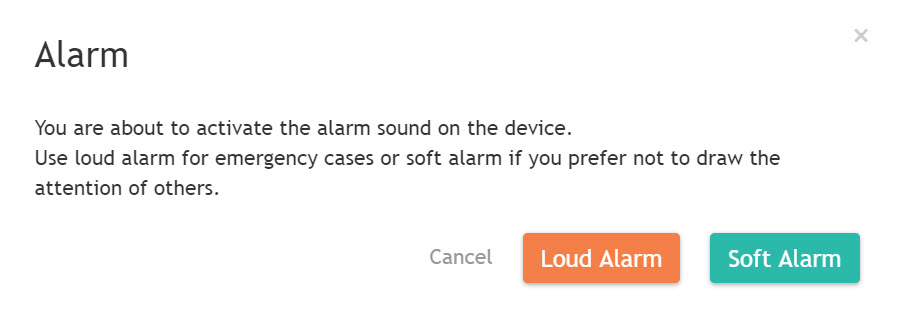
- Select whether you would like to use the “Loud Alarm” or the “Soft Alarm”. (You can configure these alarms in your Menu. See Alarm Settings)
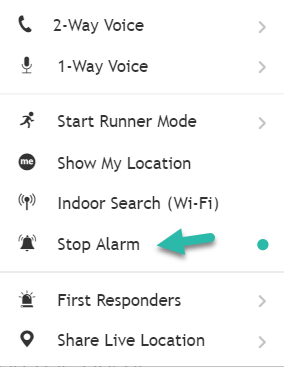
- Upon selecting the alarm, the tone selected will play on the device for the set duration or until you disable it by clicking on “Stop Alarm”.