» Back
2-Way Voice Settings x
2-Way Voice (AngelCall) includes a rich set of options to control the experience when you call, to adjust to each individuals sensitivity levels. We suggest speaking loudly, clearly, and slowly, as the device is typically secured inside of clothing.
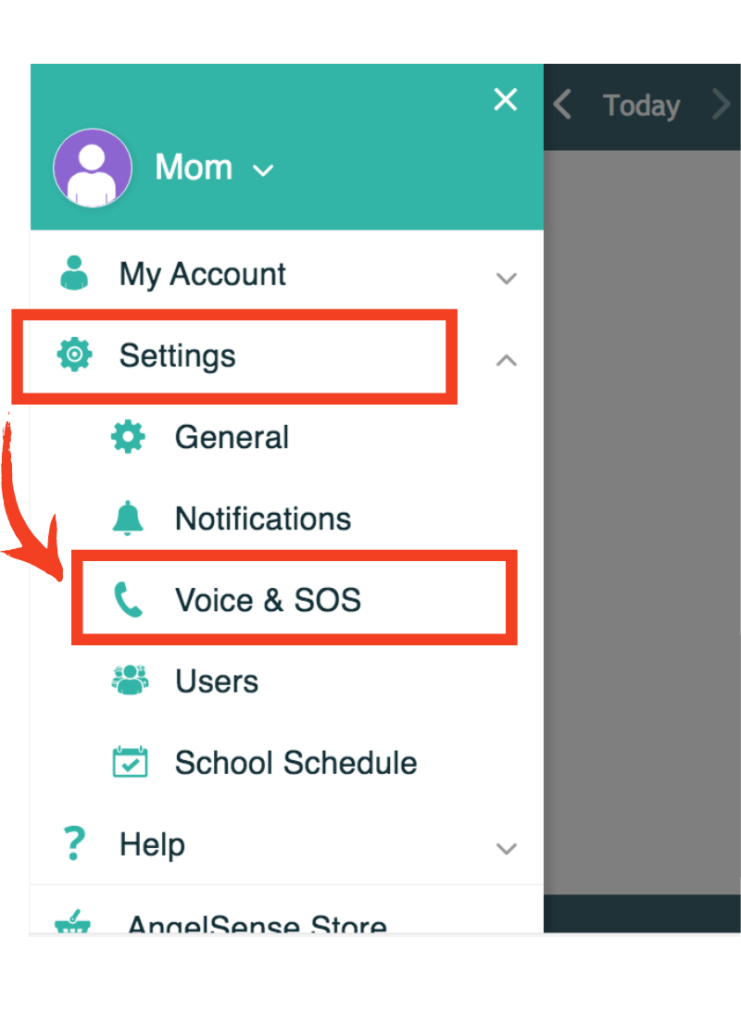
This can be accessed from your app’s Menu on the left hand side by clicking on Settings and Voice & SOS.
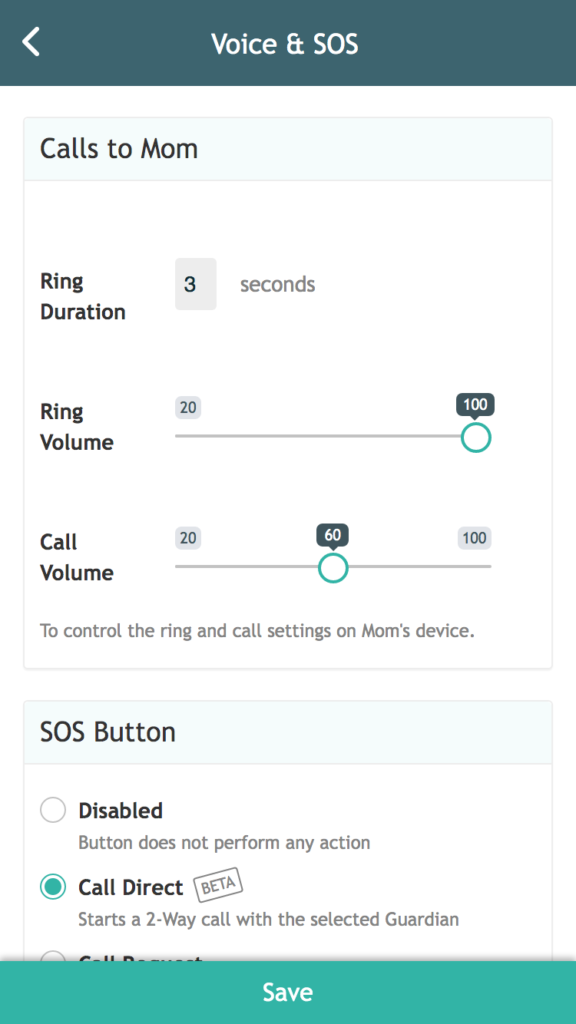
Ring Duration: Set how long you want it to ring for 2-Way Voice before it automatically answers.
Ring Volume: Set the volume of the ring which they will hear
Call Volume: Set the volume of the call for your loved one
Notes
REDIRECTED to https://www.angelsense.com/help/2-way-voice/